Why are my links shown as offline?
- 23/10/2026 1:22 PM (Updated: 23/10/2026 2:39 PM)
A link marked offline might still work in your browser. Here is how to find the reason.
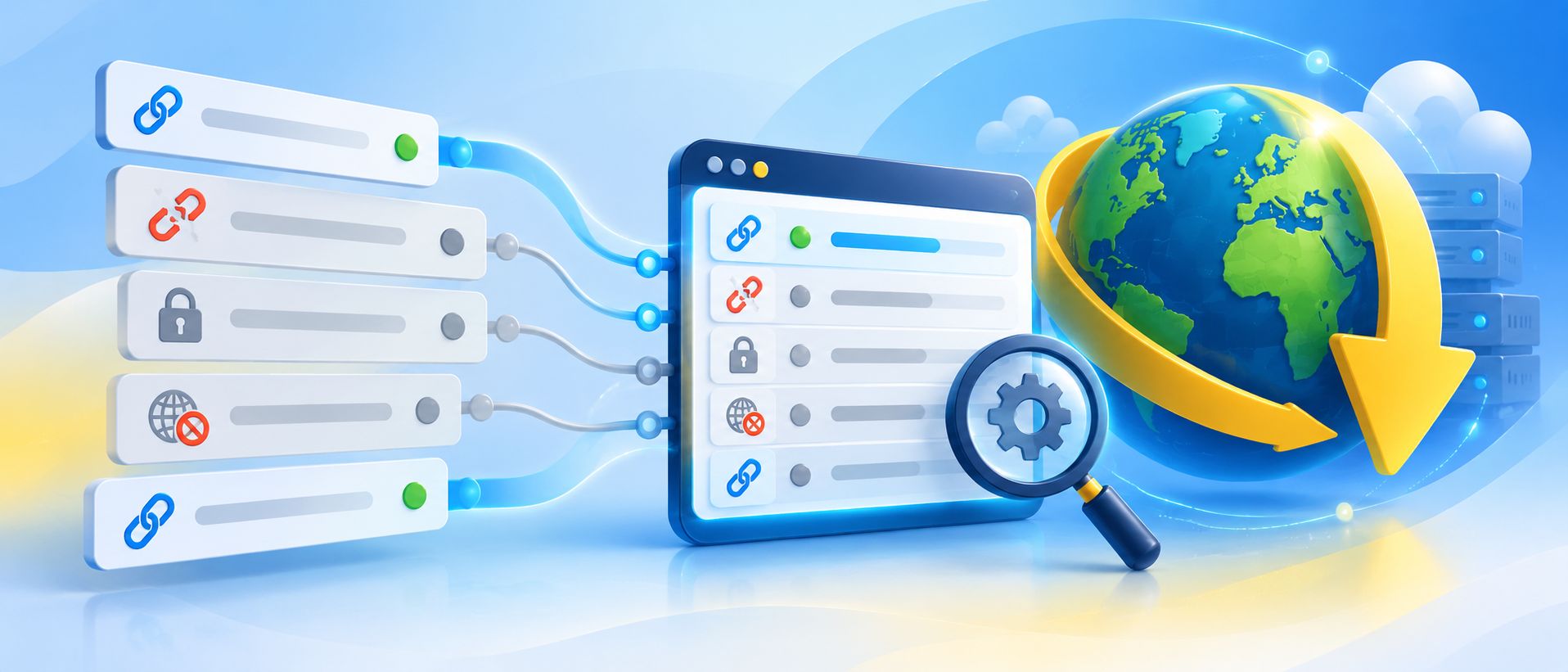
An offline status does not always mean the file has been deleted. JDownloader may receive a different response than your browser, or the site may need special access.
Common causes
- The file was removed or the original URL expired.
- The site requires login or specific access rights.
- Requests are blocked based on IP address, region, rate limit, or anti-bot checks.
- The site changed and a JDownloader plugin needs adjustment.
- The supplied URL is a webpage that does not directly expose downloadable content.
Troubleshooting
- Open the original URL in your browser. If it fails there too, the problem may be with the file or website.
- Check the same URL in a private/incognito window. If it only works while logged in, investigate account access and cookie login.
- Copy the URL again and add it using JDownloader's Add Links dialog. See Linkgrabber: How to add links.
- Install available JDownloader updates and retry.
- Try a different public link from the same website. If several links suddenly fail, the plugin or the website may be affected.
- If the status persists, provide example URLs and a log to support.
Note: A link working in your browser does not guarantee that JDownloader can download it. Avoid publicly sharing private, tokenized, or premium-only URLs.
Still having trouble?
Contact official support with the exact status, affected website, whether login is necessary, example links that can be shared safely, and a session log.
Related Articles
On-Premise Help Desk Software by SupportPal