Why won’t my downloads start?
- 23/10/2026 1:22 PM (Updated: 23/10/2026 1:22 PM)
Find out why downloads are queued, skipped or waiting instead of starting.
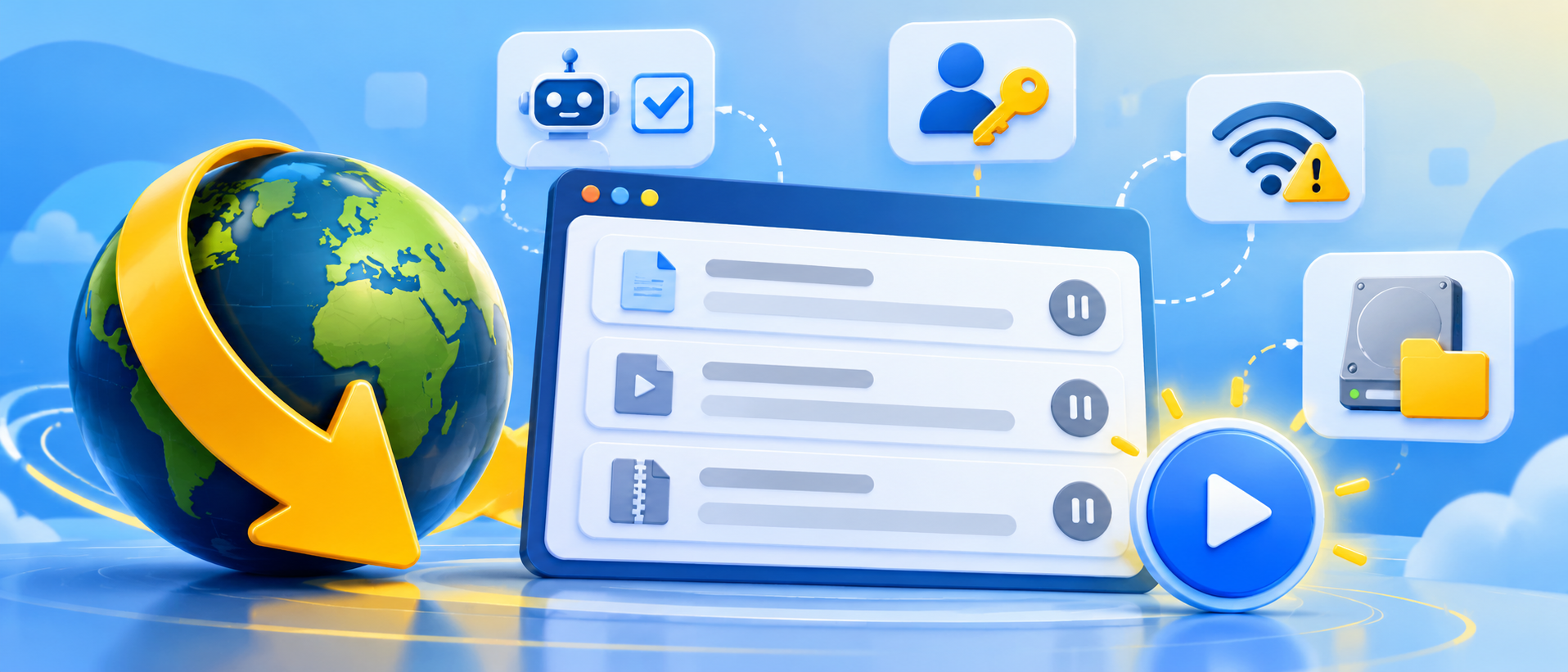
If a download does not start, it can be caused by the current download state, a host waiting period, captcha, account restriction, storage problem, or network issue.
Checklist
- Start state: Confirm downloads are actually started and not stopped or paused. Check whether a scheduler or speed-limit setting is active.
- Exact status: Look at the file's status column. A waiting period, captcha request, offline status, or plugin error each requires a different solution.
- Captcha: Resolve any waiting captcha prompts. Some hosts require captcha verification even for normal downloads.
- Account: If login is needed, check the account status. See premium account not accepted.
- Parallel downloads: Reduce simultaneous downloads and connections temporarily, especially if a host is rate-limiting requests. See maximum simultaneous downloads.
- Disk and permissions: Check available storage space and write permission for the download folder.
- Network: Check VPN, proxy, firewall, antivirus, or DNS interference. Only disable security software briefly for a controlled diagnostic test if you understand the risk, then re-enable it.
- Updates: Install available JDownloader updates, restart, and try another known-working link.
If only one website fails, that host or its plugin is a likely cause. If all websites fail, investigate network, installation and local settings first.
Need help?
Share the exact status, affected website, a safe example URL, whether an account is used, and a JDownloader session log through the support portal.
Related Articles
On-Premise Help Desk Software by SupportPal